
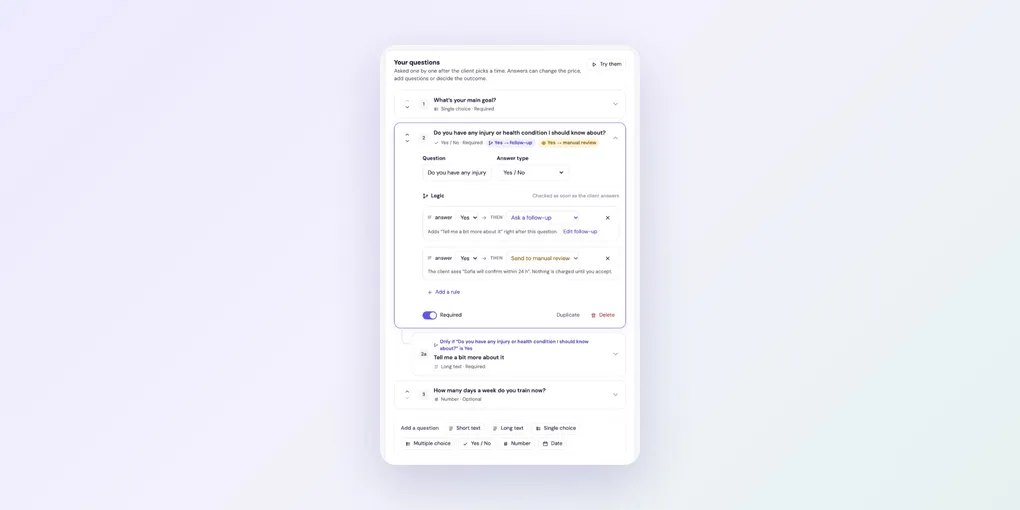
How to Add Booking Questions and Logic
Questions help you prepare, and qualify clients before they take a slot. In Foundslot, they’re asked one at a time after the client picks a time, and their answers can change what happens next.
The questions clients always see
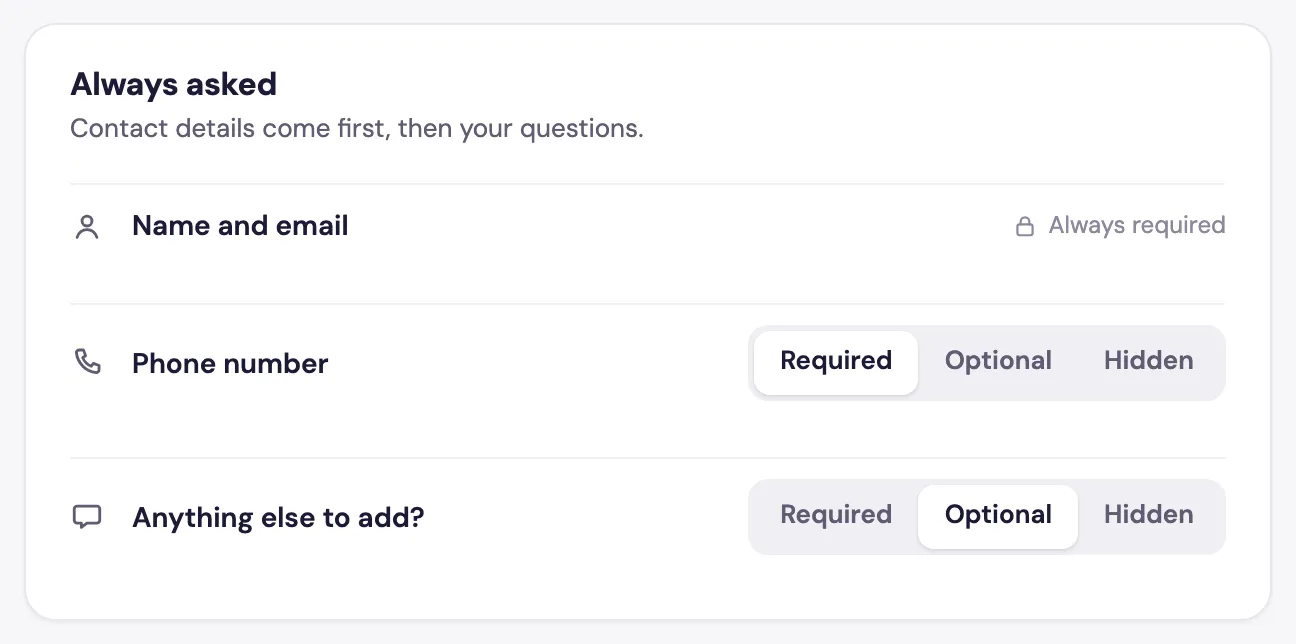
Open a package and go to the Questions & logic tab. Under Always asked, name and email are always required. For Phone number and Anything else to add?, choose Required, Optional or Hidden.
Add your own questions
Under Your questions, click a type under Add a question:
- Short text and Long text
- Single choice and Multiple choice
- Yes / No
- Number
- Date
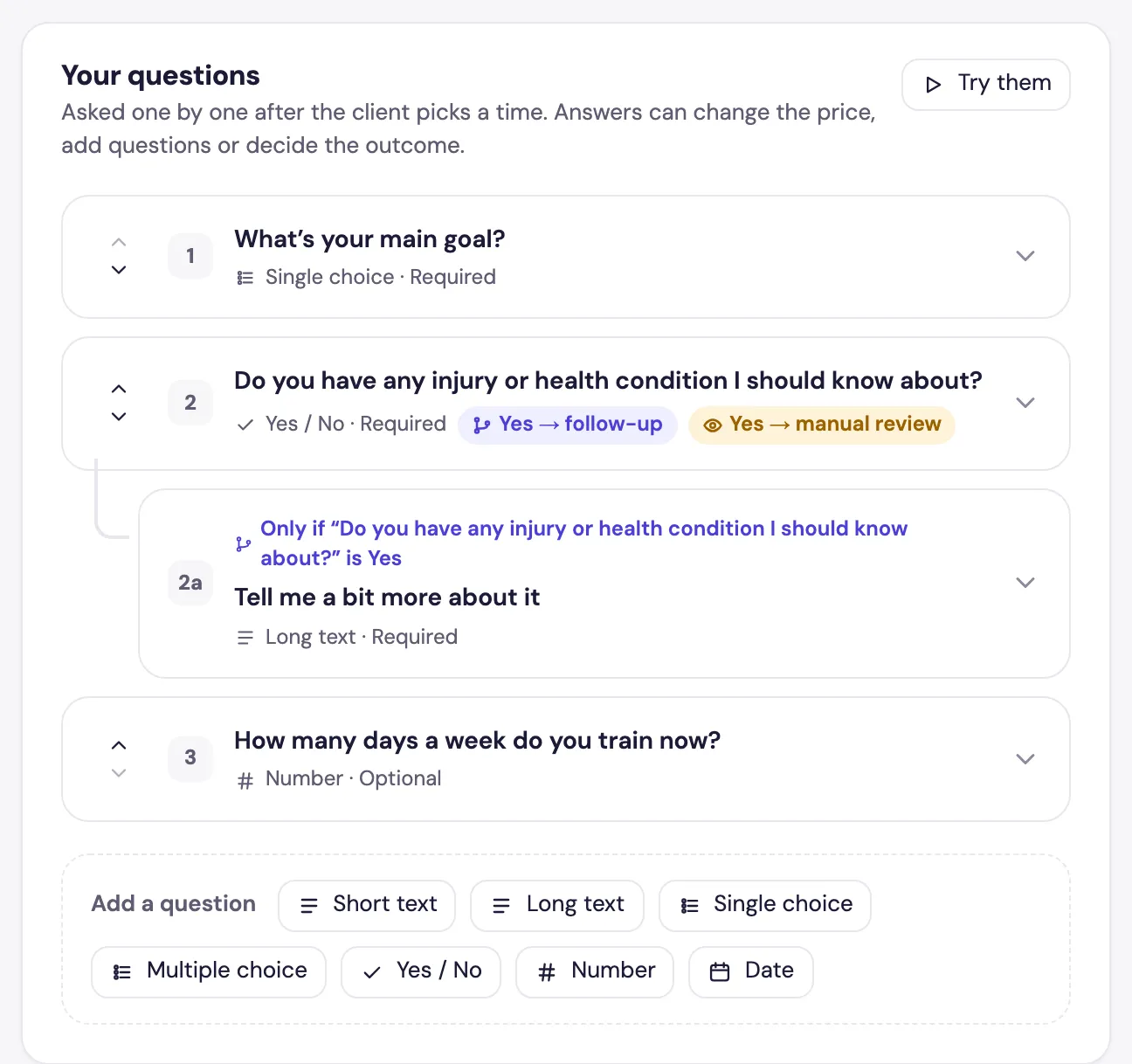
Click a question to edit it: its text, Answer type, whether it’s Required, Duplicate or Delete. The arrows change the order.
Add logic
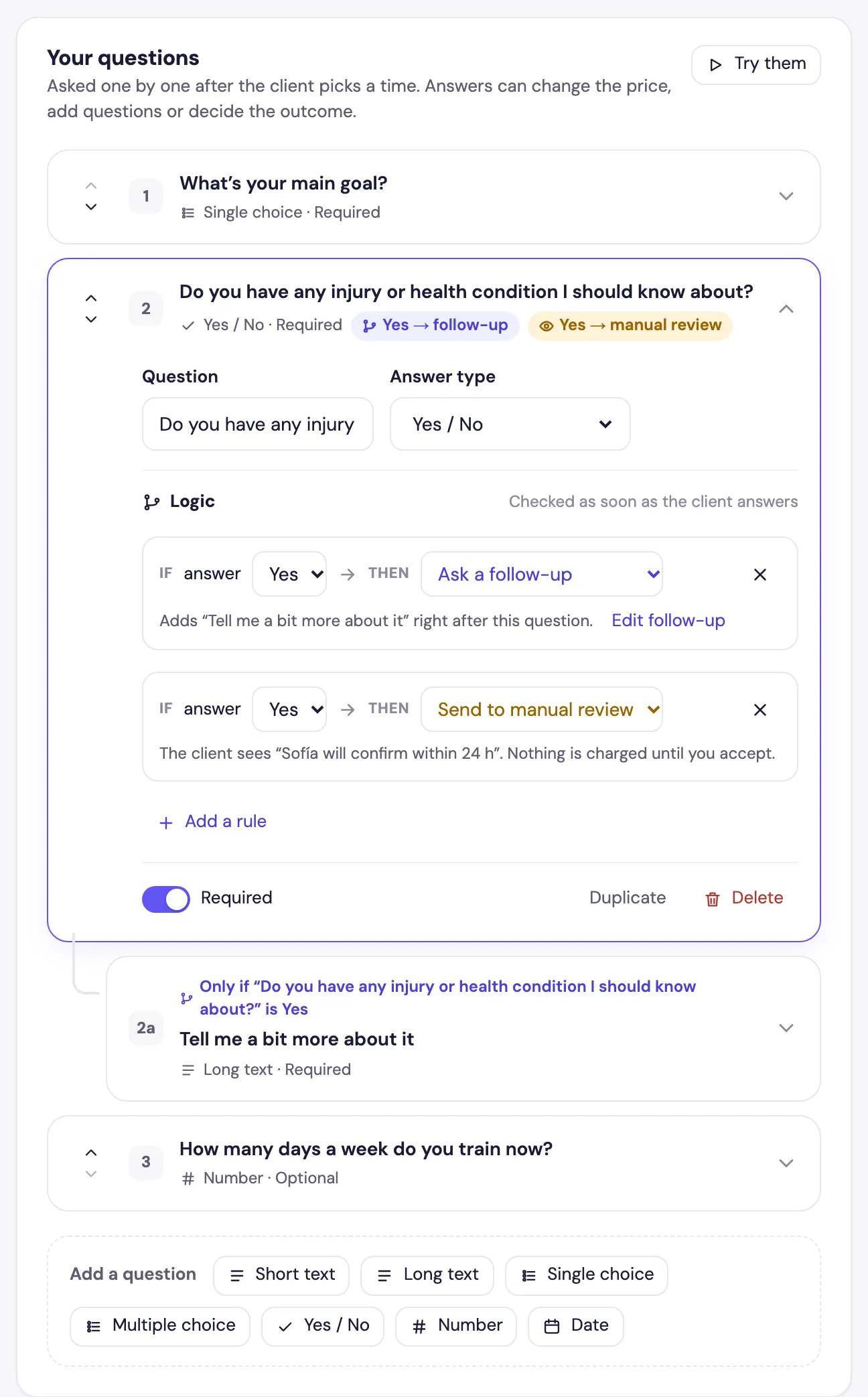
Every type except text questions can have rules. In an open question, under Logic, set IF the answer is something, THEN:
- Ask a follow-up: adds a new question right after this one, only for clients who gave that answer.
- Add to the price: for extras, such as a second location or a printed album.
- Send to manual review: the booking waits for your OK, even if the package confirms automatically. The client is told you’ll confirm it.
- Decline the request: the client can’t book, and sees the message you write.
Click Add a rule for more. In this example, a client who says Yes to an injury question is asked for details, and the booking goes to manual review:
Test your questions
Click Try them to answer the questions as a client would, rules included, without making a booking.
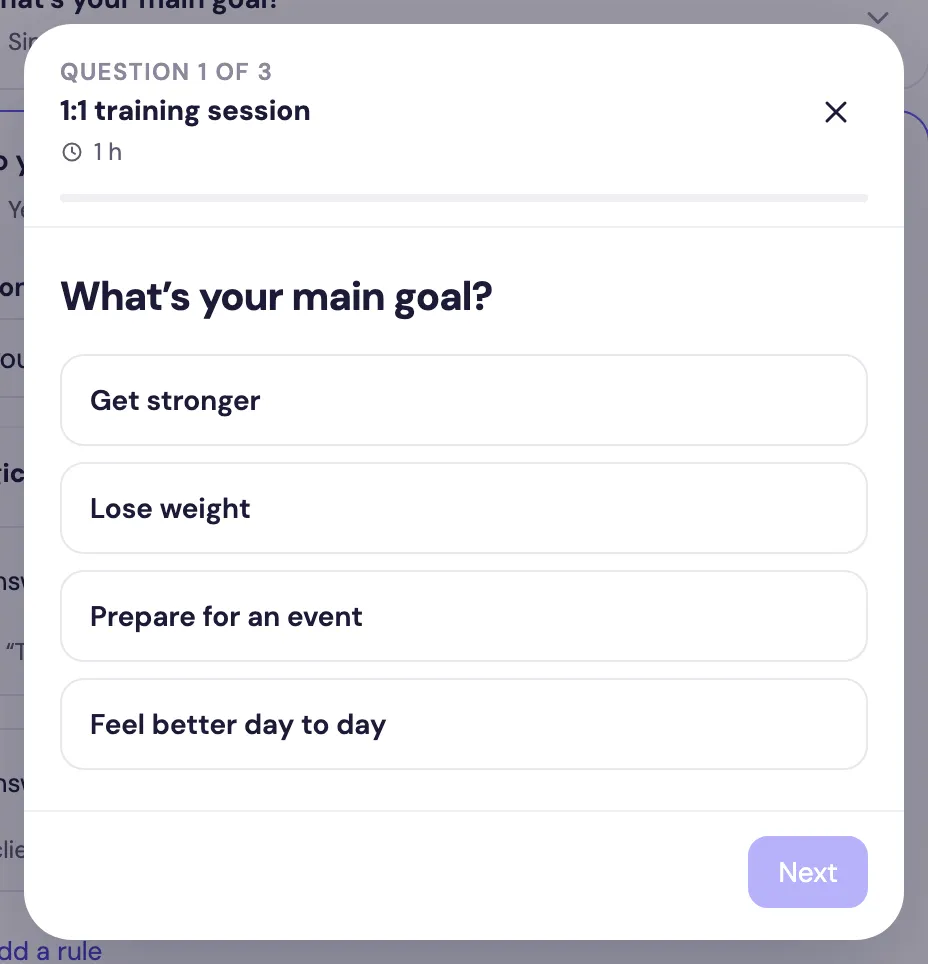
What your clients see
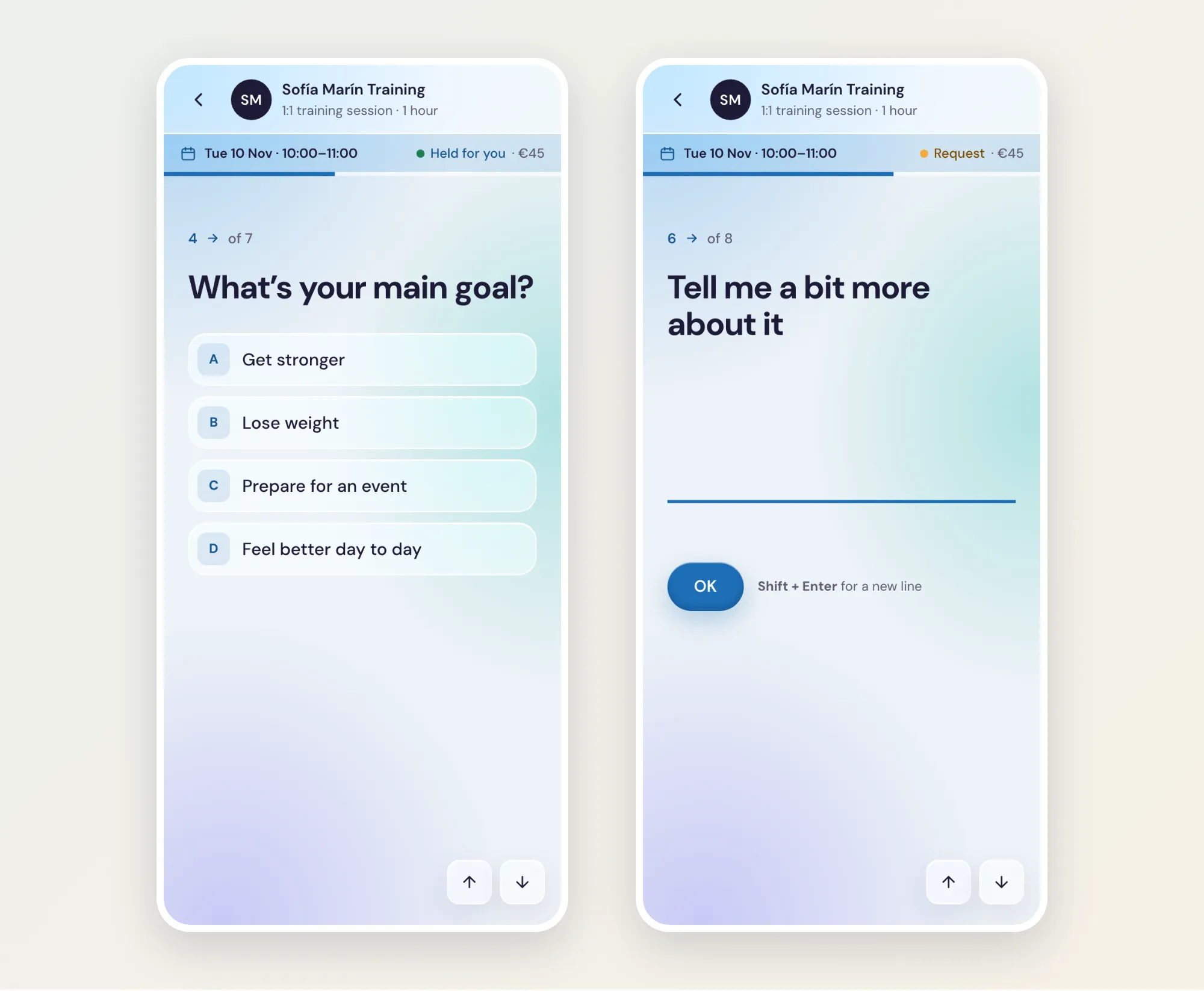
Clients answer one question per screen, and follow-ups appear only when they apply:
The answers appear in the booking’s panel, under Answers.