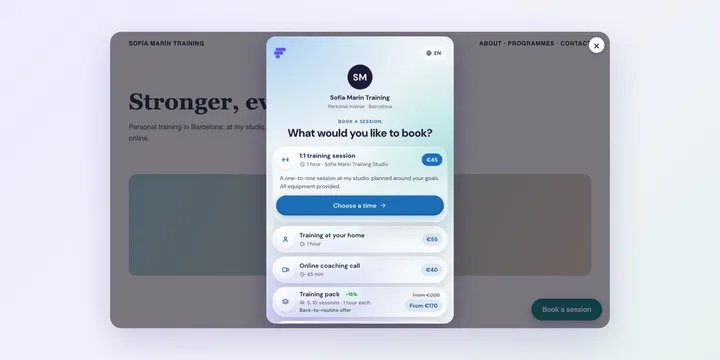
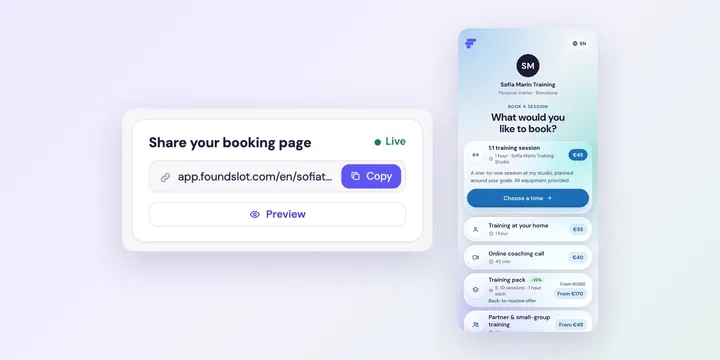
Design a Book now button in Foundslot and add it to Squarespace, Wix, WordPress or any website. Clients book without leaving your site.
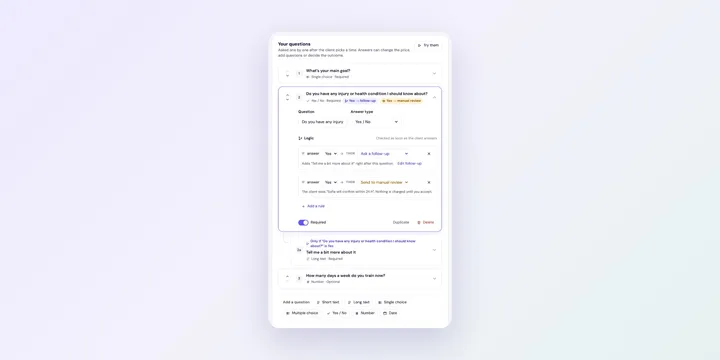
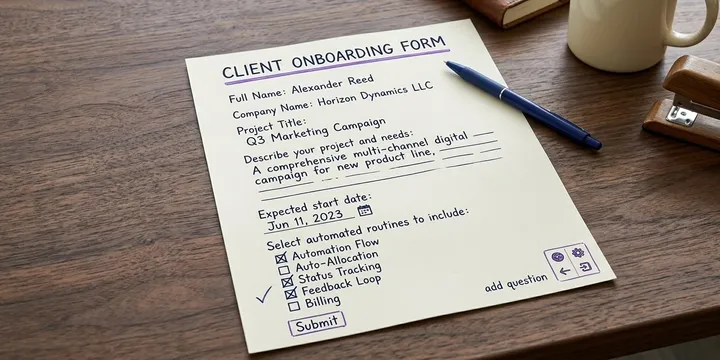
Ask clients the right questions before they book in Foundslot, and use logic to ask follow-ups, add to the price, send bookings to review or decline them.
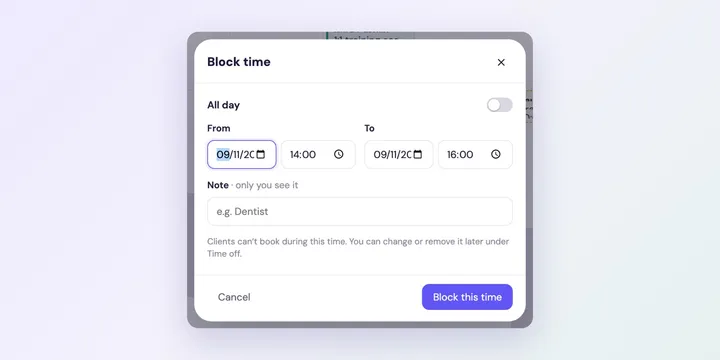
Block holidays and appointments in your Foundslot calendar, and set the rest and travel time Foundslot keeps between bookings.
Decide whether Foundslot bookings confirm straight away or wait for your OK, and learn which bookings become requests even with instant booking.
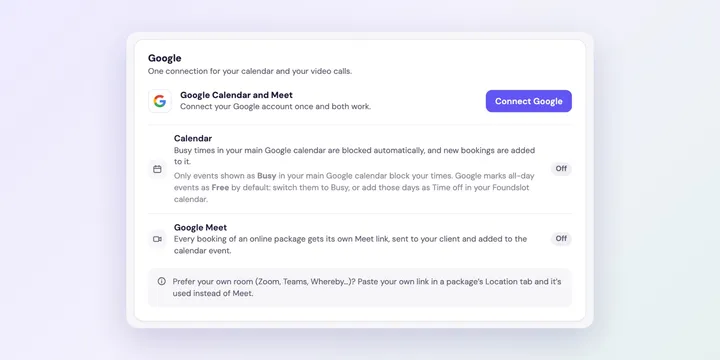
Connect Google to Foundslot so your busy times block bookings, new bookings appear in your calendar, and online sessions get a Google Meet link automatically.
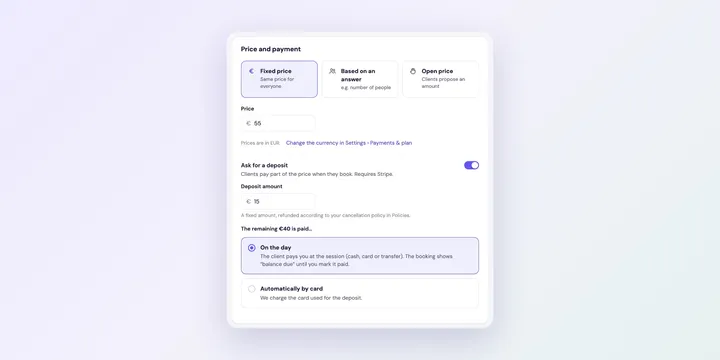
Connect Stripe to Foundslot to take deposits and card payments, set up receipts, and see what happens with refunds and the rest of the price.
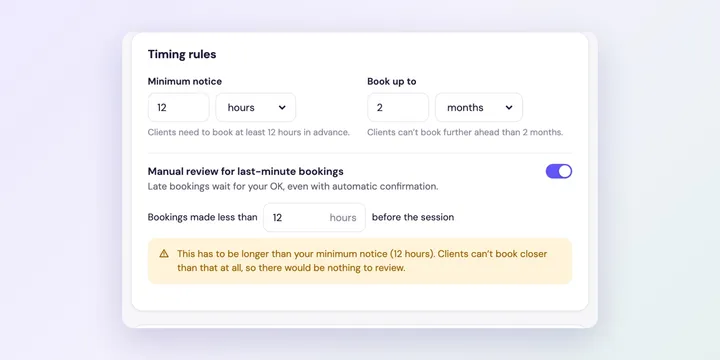
Set a minimum notice, how far ahead clients can book, a review for last-minute bookings, a suggested time and a daily limit for each Foundslot package.
Set up a package clients book for one date: title, price, deposit, duration, how bookings are confirmed, and what your clients see when they book.
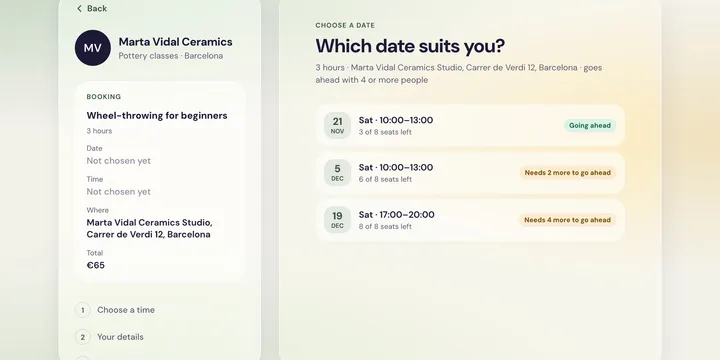
A step-by-step guide to setting up a group workshop in Foundslot: price per attendee, seat limits, a minimum to go ahead, adding dates, sharing each date’s link and managing attendees.
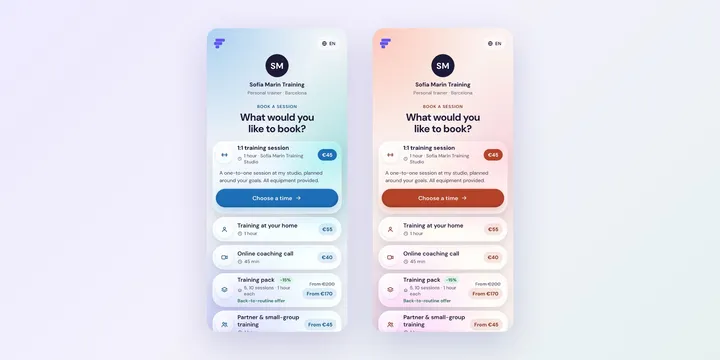
Choose a style for your booking page, set the name and subtitle clients see, and remove the Foundslot branding.
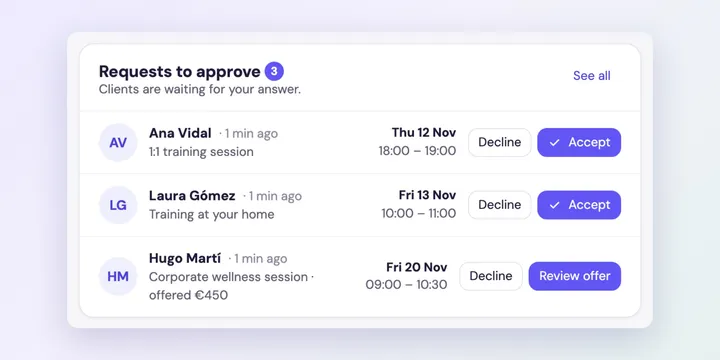
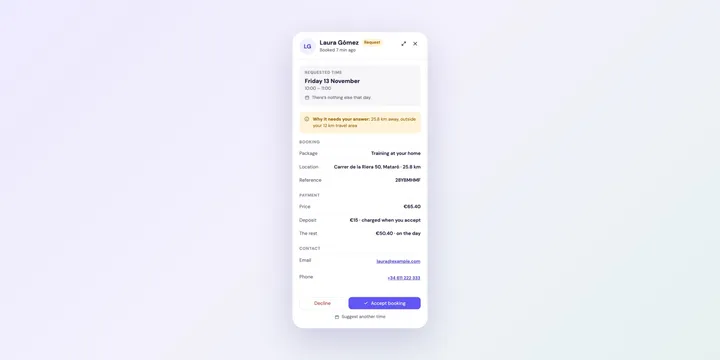
Accept, decline or suggest another time for bookings that need your approval, and get notified when new requests arrive.
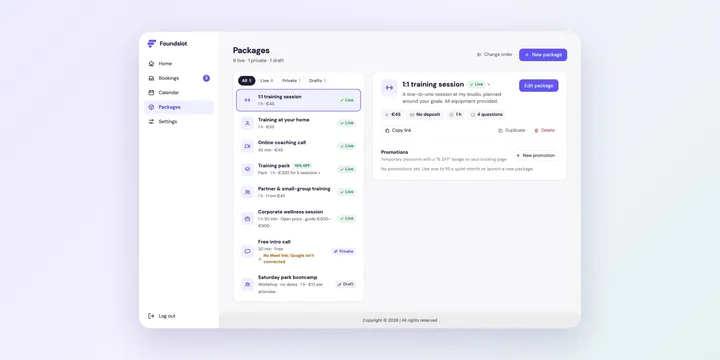
Make packages live or private, pause them with an automatic resume date, change their order, duplicate them, or delete them.
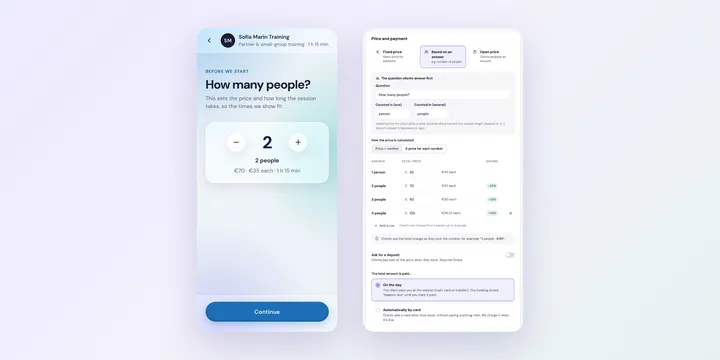
Charge by group size in Foundslot: a price per person or a price for each number, extra time per person, and what clients see when they book.
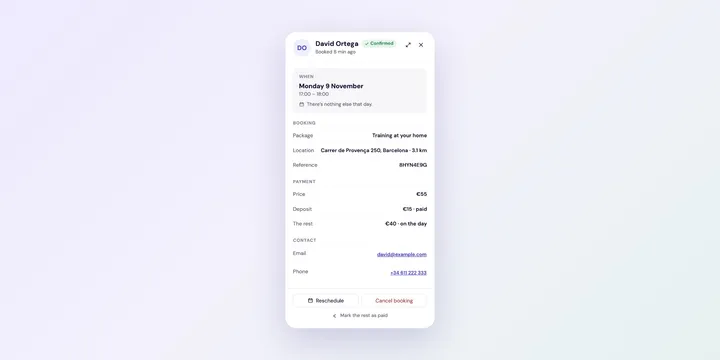
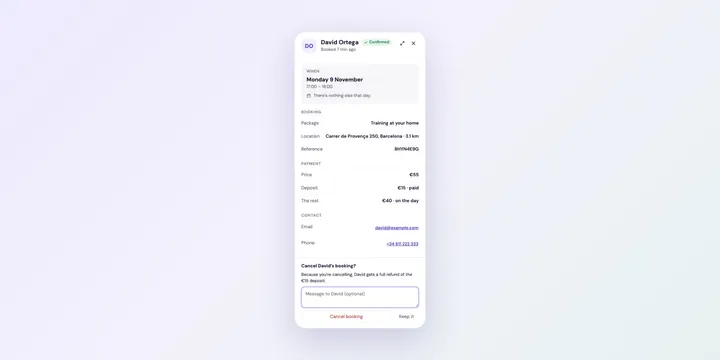
Move a booking to another time, cancel it with an automatic refund, or record a payment made on the day, all from the Bookings page in Foundslot.
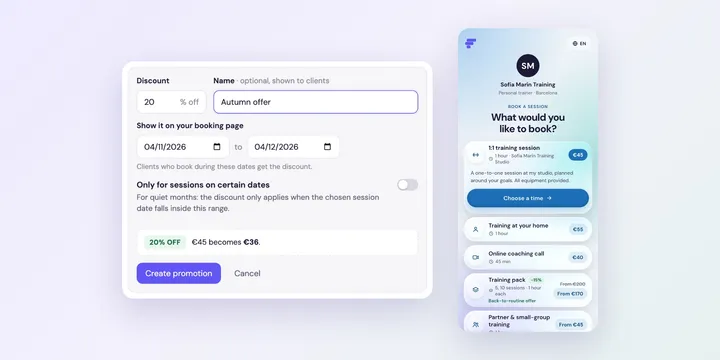
Offer a temporary discount on a package, with a “% OFF” badge on your booking page, for set dates or for sessions in quiet months.
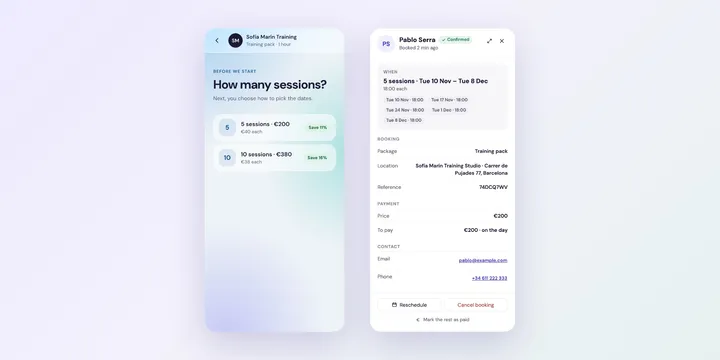
Sell 5 or 10 sessions together at a better price. Choose pack sizes and prices, how clients pick their dates, and what happens when a date isn’t free.
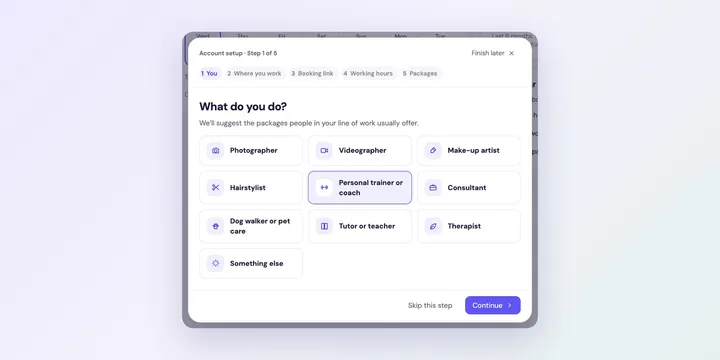
Get your Foundslot booking page ready in a few minutes: tell us what you do, where you work, choose your booking link and hours, and start with ready-made packages.
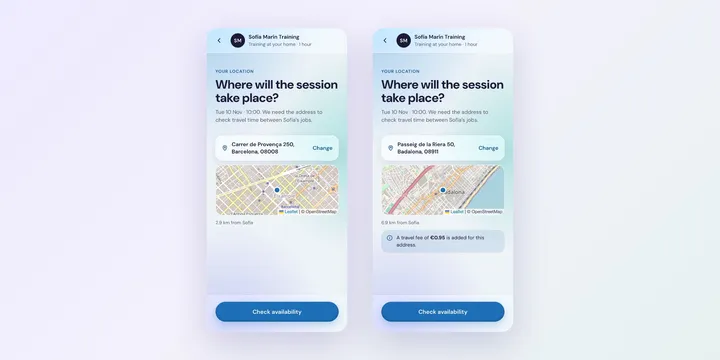
Choose where each Foundslot package takes place: your studio, the client’s address with a travel area and fee, or online with Google Meet or your own link.
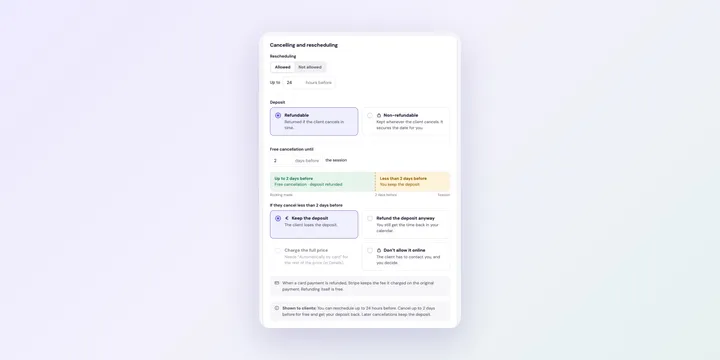
Decide in Foundslot how late clients can move or cancel a booking, what happens to their deposit, and what they see when they manage their booking.
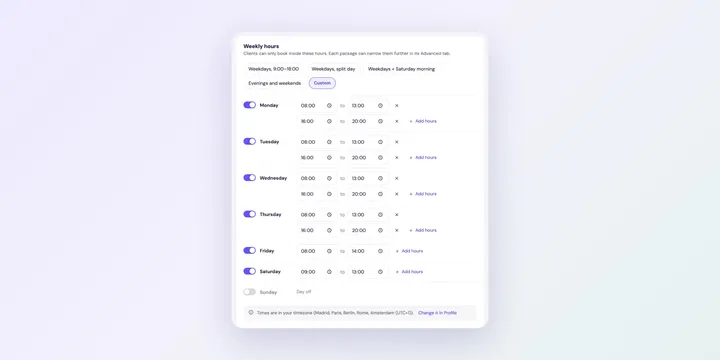
Choose when clients can book you: weekly hours with breaks, different hours per package, and seasonal packages.
Find your booking link, check that clients can book, share a link to a single package, and change your link if you need to.
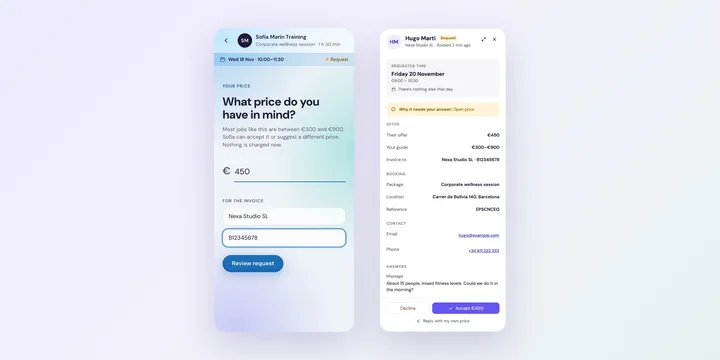
Let clients propose a price for custom jobs in Foundslot: show a price guide, set a minimum offer, ask for invoice details, and accept or counter each offer.
Compare the best free booking software for freelancers in 2026, including what each free plan actually limits, so you can pick one without hitting a wall in month two.
Compare the best Calendly alternatives for freelancers who need deposits, intake forms, and per-service booking rules instead of one generic scheduling link.
Find the right booking software for videographers, with rules for deposits, travel radius, and multi-day productions instead of one generic calendar link.
Learn how consultants can qualify clients before the first call with the right intake questions, so discovery calls turn into real engagements instead of wasted time.
Compare scheduling apps for makeup artists and learn how to handle bridal trials, deposits, and travel fees without living in your DMs.
A practical guide to choosing booking software for hair stylists, covering deposits for color services, walk-in slots, and avoiding double-bookings.
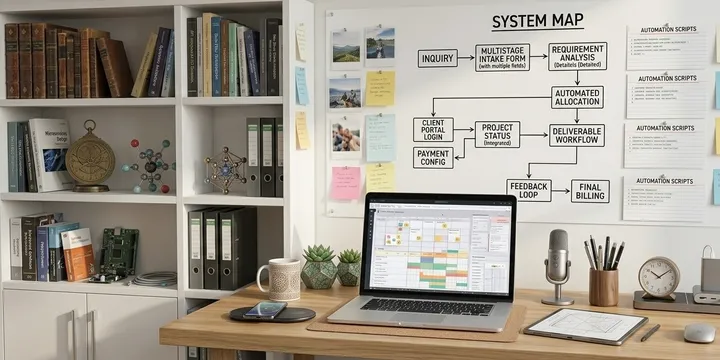
Learn how to scale a service business without hiring an assistant by structuring bookings, automating client intake, and removing manual scheduling work with Foundslot.
Discover why manual scheduling is costing freelancers clients and learn how to improve your booking process to increase conversions and save time.
Compare Calendly, Acuity, and Foundslot to find the best booking software for your business. Learn which tool fits your scheduling needs.
Discover the best booking software for on-site service businesses and learn how to manage scheduling, travel time, and service areas more efficiently.
Learn how to collect deposits and reduce no shows as a freelancer by improving your booking process, increasing client commitment, and protecting your time.
Discover the best scheduling software for coaches, consultants, and service providers and learn how to build booking flows that match how your services actually work.
Learn how to qualify leads before they book a call. Filter better, avoid wasted meetings, and protect your time with a more effective booking process.
Learn how to automate client intake, payments, and booking in one seamless flow. Reduce manual work, avoid drop-offs, and create a smoother experience for your clients.
Automate client intake, payments, and bookings in a single flow. Learn how to adapt each step to your services and reduce manual work with more flexible tools.
Calendly works for simple scheduling, but not every business stays simple. Here’s what to use when Calendly is too limited for your workflows, payments, and booking rules.
Looking for the best booking software for freelancers with different scheduling needs? Compare top tools for custom workflows, intake forms, payments, and approval-based bookings.
No posts match your search.