
How to Control When Clients Can Book
Your working hours set when you’re available. These settings, per package, fine-tune when clients can actually book.
Timing rules
In the package’s Policies tab, under Timing rules:
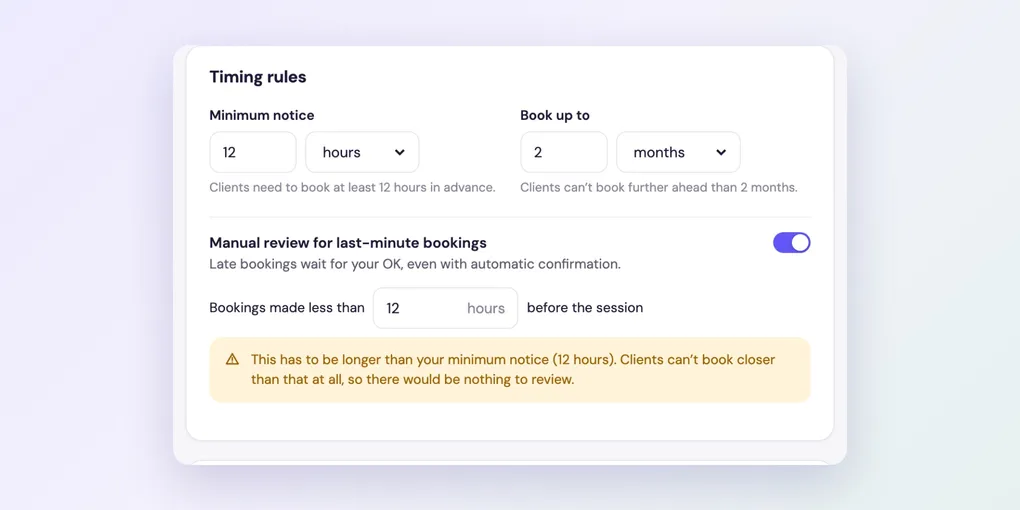
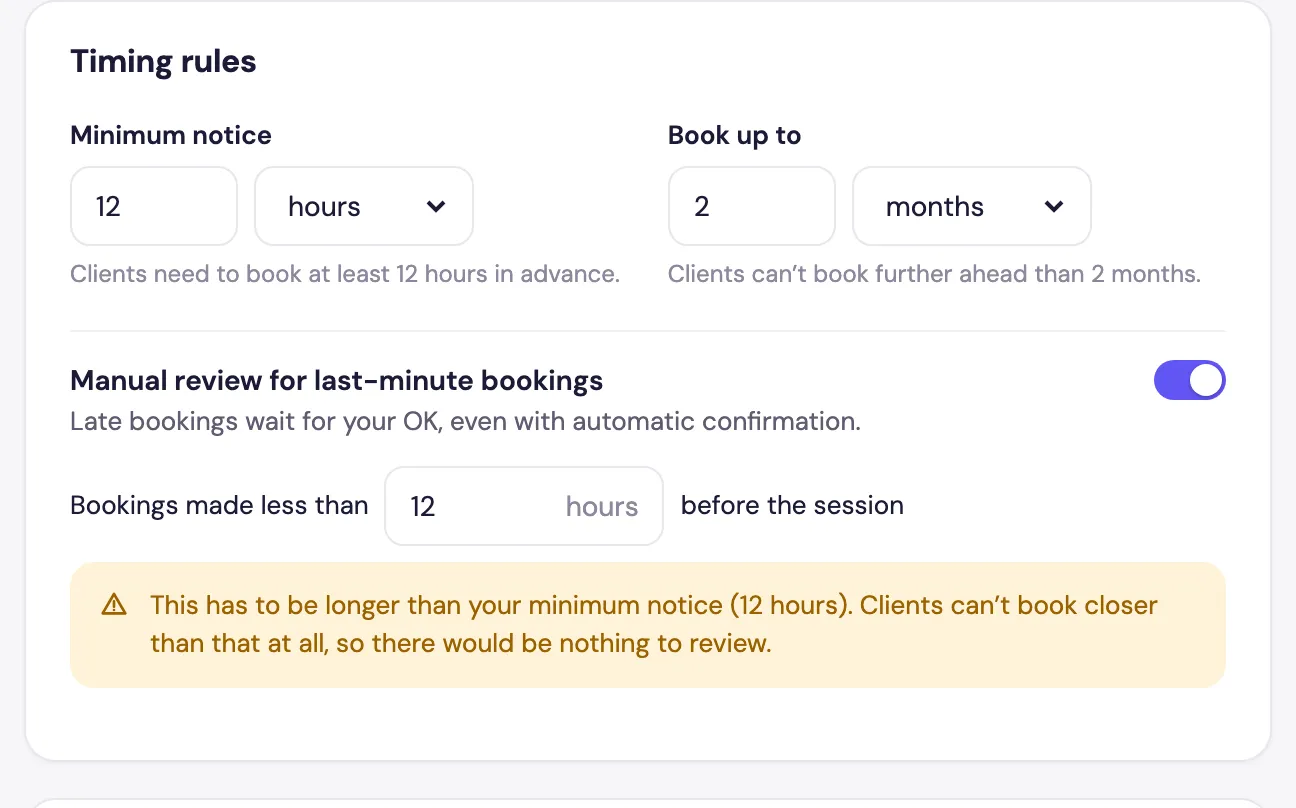
- Minimum notice: how far in advance clients must book, in hours or days. For example, 12 hours stops someone booking tonight for tomorrow morning.
- Book up to: how far ahead clients can book, in weeks or months.
- Manual review for last-minute bookings: bookings made less than a set number of hours before the session wait for your OK, even if the package confirms automatically. This has to be longer than the minimum notice.
Suggested time
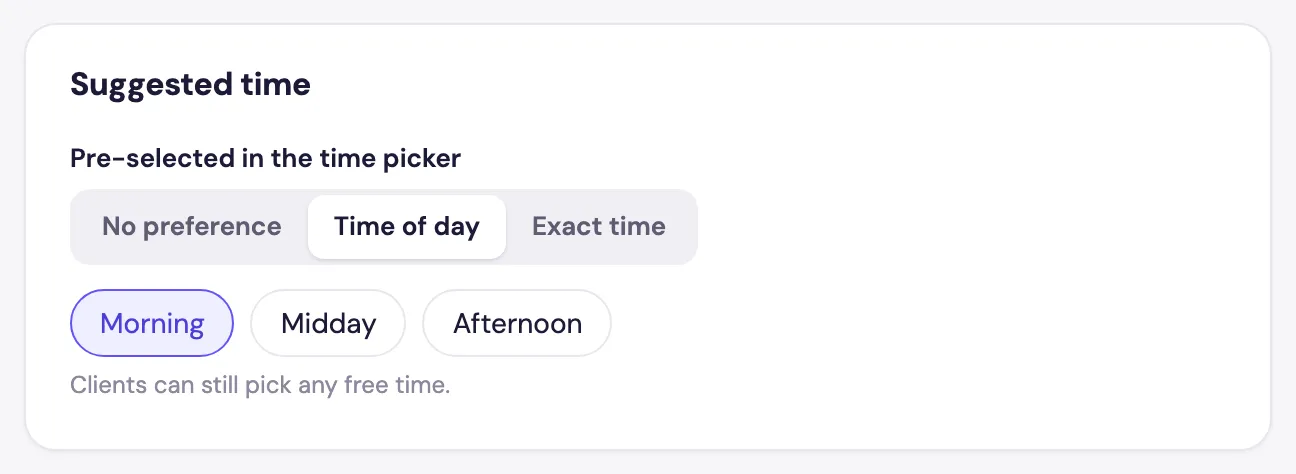
In the Advanced tab, Suggested time pre-selects a time in the client’s time picker: No preference, a Time of day (such as Morning) or an Exact time. Clients can still pick any free time.
Daily limit
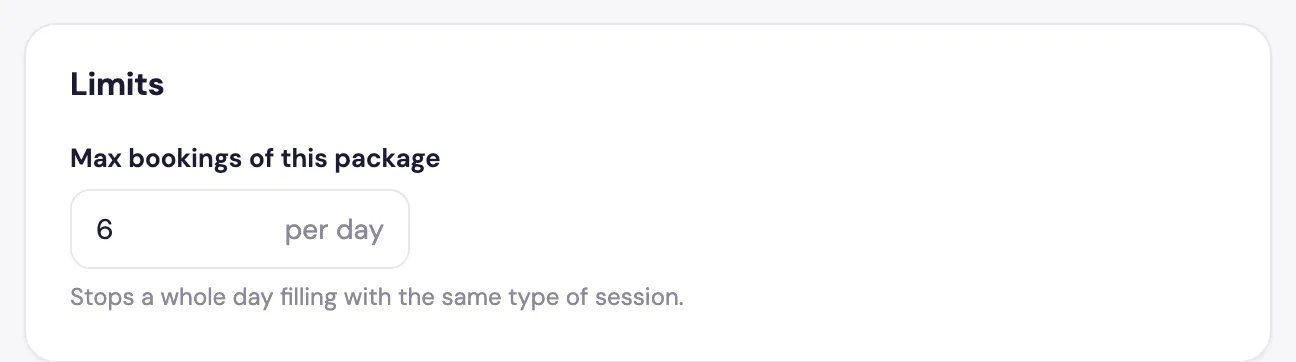
Also in Advanced, Limits › Max bookings of this package per day stops a whole day filling up with the same type of session.
In the same tab, When this package is available lets a package run on its own days and hours, or only between certain dates.
Frequently asked questions
Minimum notice stops bookings closer than a set time. Last-minute review lets them through, but as requests you approve.
No. It’s only pre-selected in the time picker. Clients can still pick any free time.