
How to Connect Stripe and Take Deposits
Deposits are the simplest way to cut no-shows: clients who’ve paid something turn up. Foundslot takes card payments through Stripe, straight into your own account.
Step 1: Connect Stripe
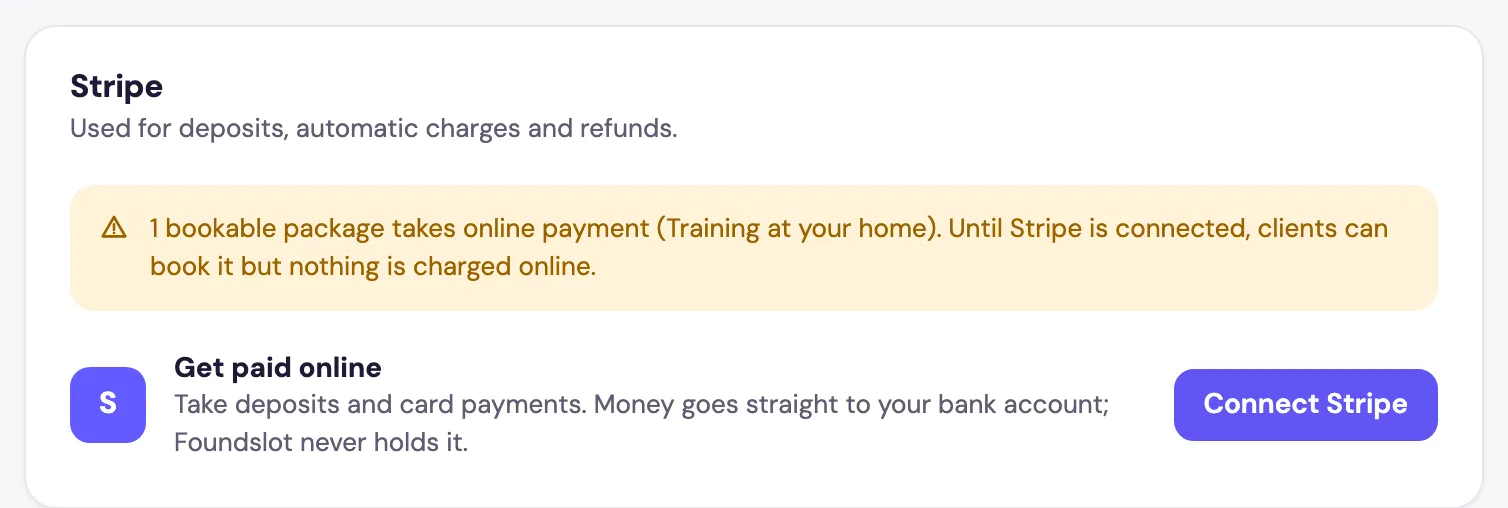
Go to Settings › Payments & plan and, under Stripe, click Connect Stripe. Stripe asks for your details and bank account, then sends you back to Foundslot.
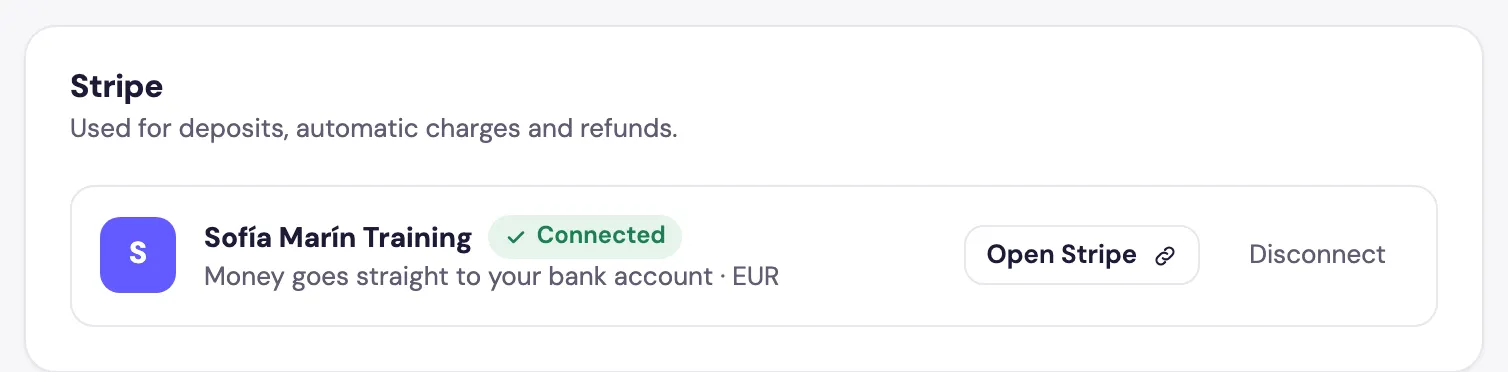
When it’s done, the card shows Connected. Open Stripe takes you to your Stripe dashboard.
Step 2: Set up your receipts
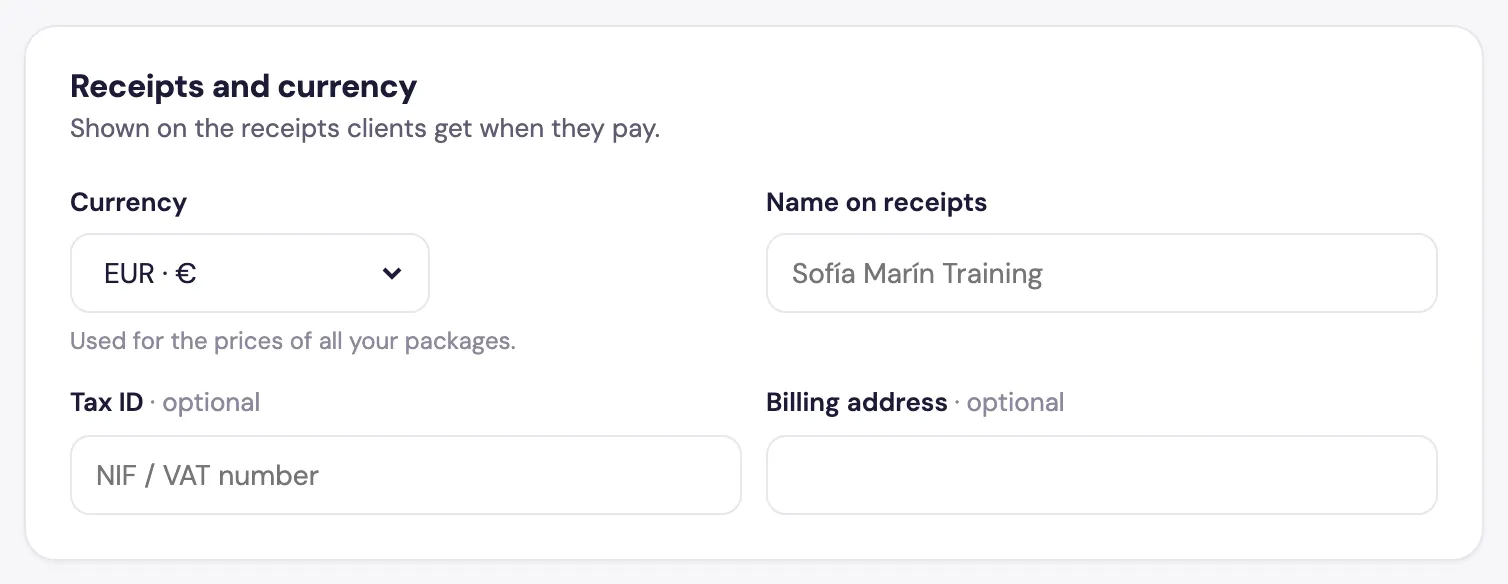
In the same tab, Receipts and currency sets your Currency (for all your prices), the Name on receipts, and optionally your Tax ID and billing address. These appear on the receipts clients get when they pay.
Step 3: Ask for a deposit
In each package’s Details tab, turn on Ask for a deposit and set the Deposit amount. Then choose how the rest of the price is paid:
- On the day: the client pays you in person.
- Automatically by card: Foundslot charges the card used for the deposit when the rest is due. If that charge fails, the client gets a link to pay and you’re told.
See how to create a single-session package for the full editor.
What happens after booking
- With automatic confirmation, the deposit is charged when the client books.
- For requests, the client adds their card but nothing is charged until you accept.
- Your cancellation policy decides whether the deposit is refunded when a client cancels. If you cancel, they always get a full refund.
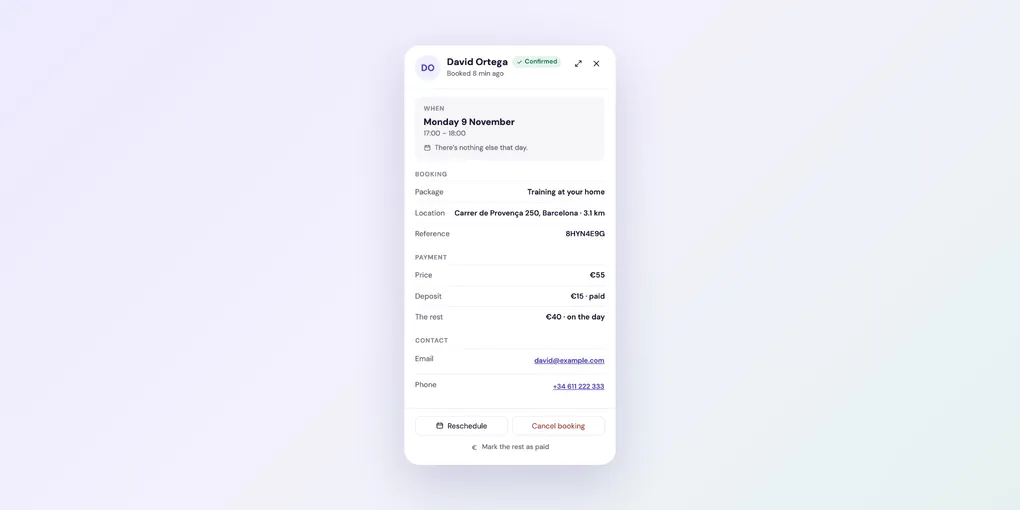
Each booking’s panel shows what’s been paid and what’s still due:
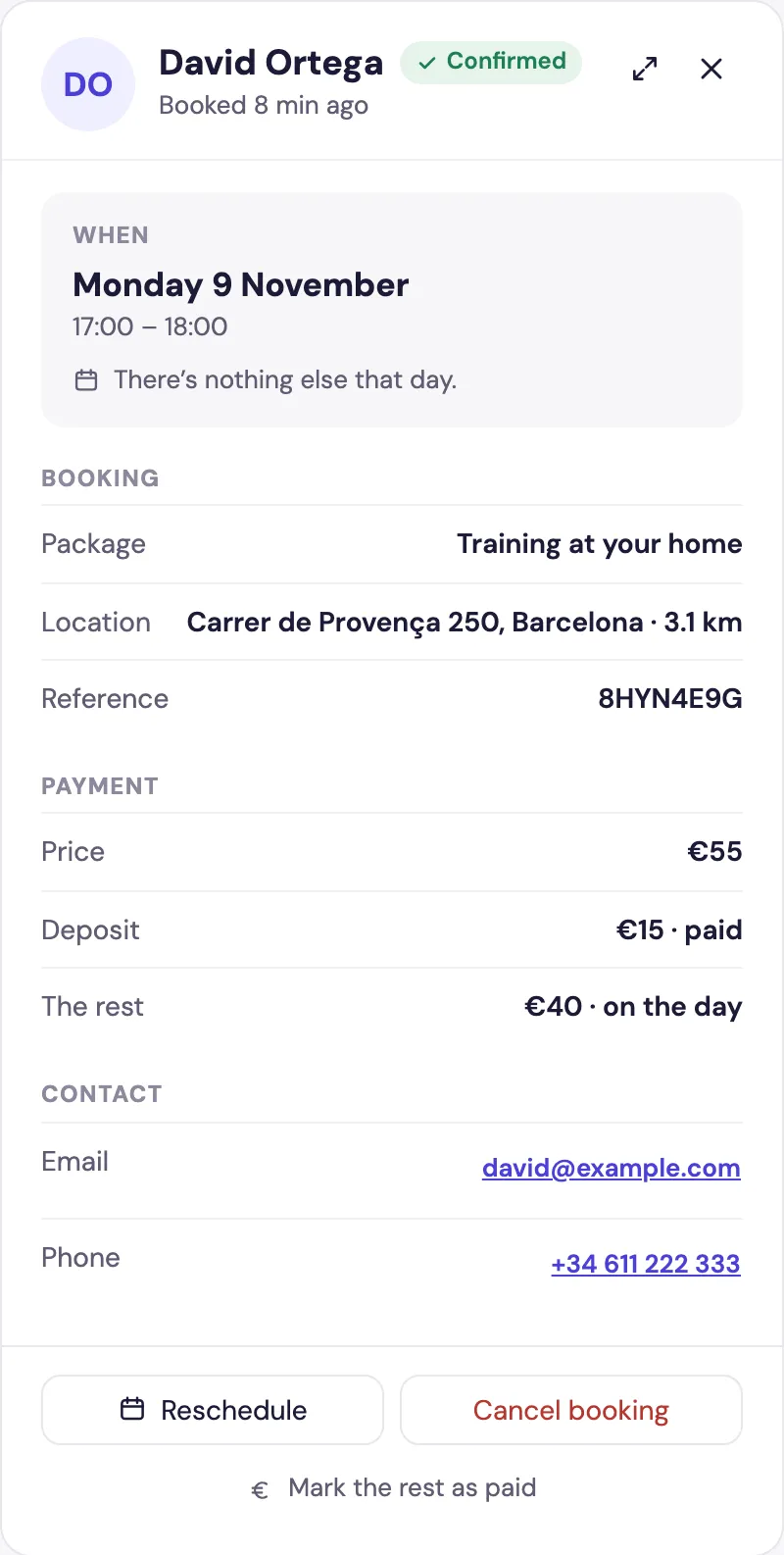
When the client pays the rest in person, click Mark the rest as paid. It then counts in Earnings on Home.